This application was generated and compiled with a single prompt. Write what you need and download your APP for Windows or Linux. If you want to create an APP like this one or any other idea you can think of, create your free account
Customers & Orders
Customers, products and orders with order lines, searchable forms, sales reports by customer, product and month in PDF and Excel, and Access tables imported through Excel.
Original Prompt
Create a customers and orders database for a small business, to replace an old Microsoft Access database.
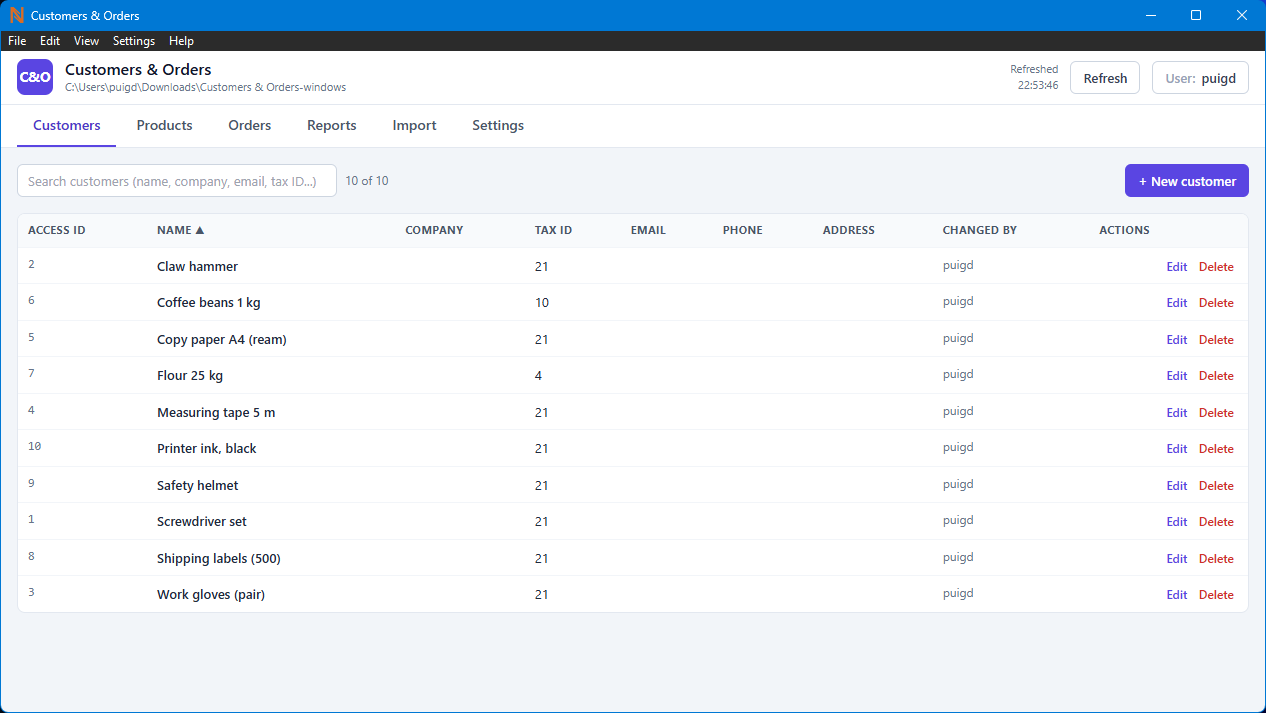
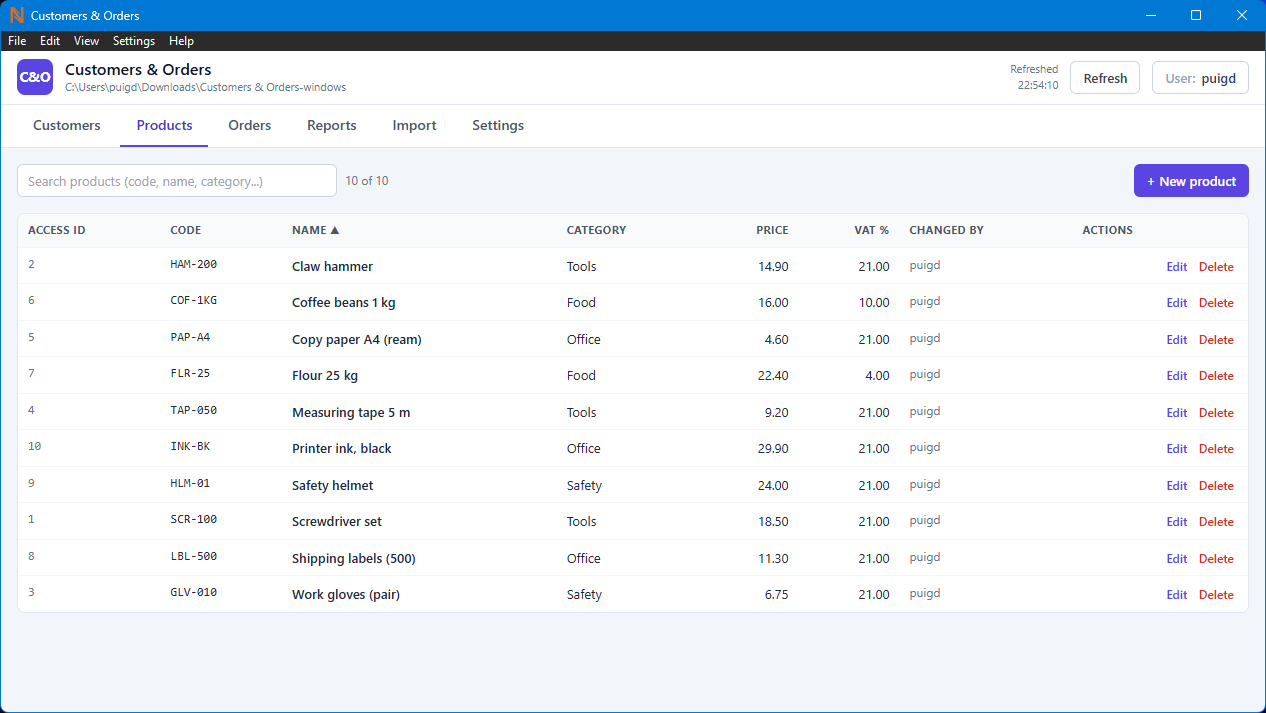
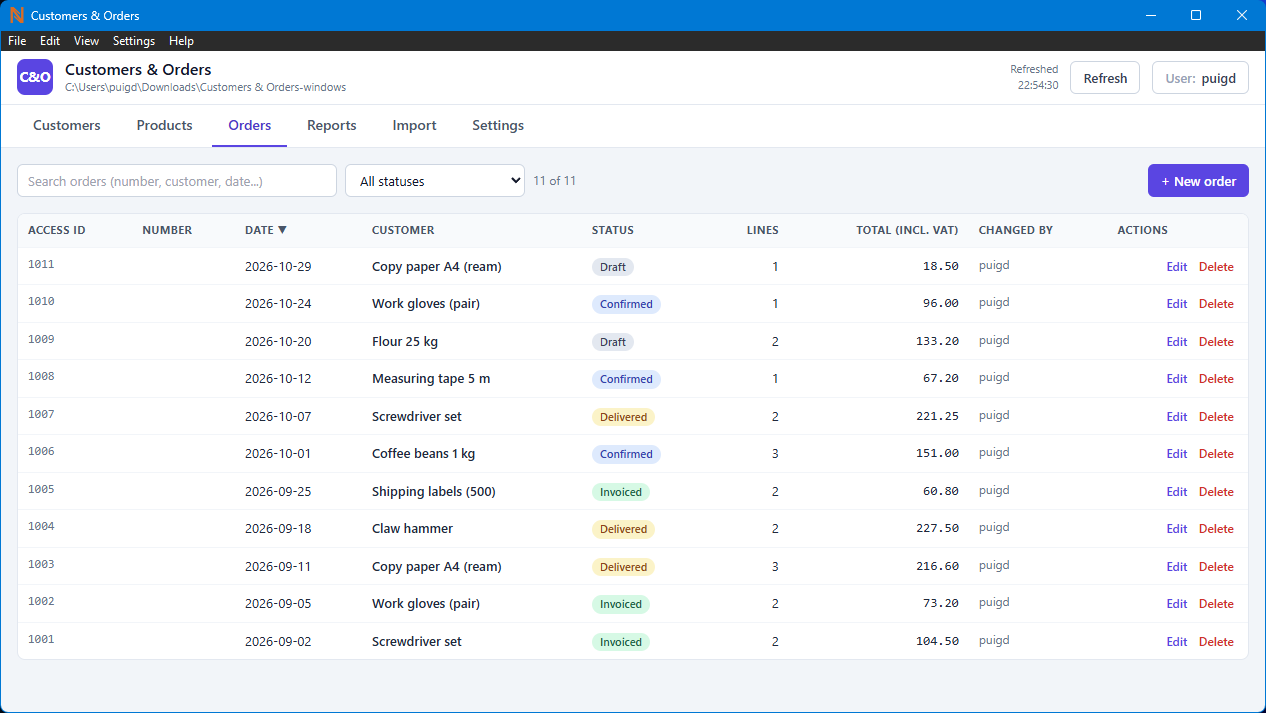
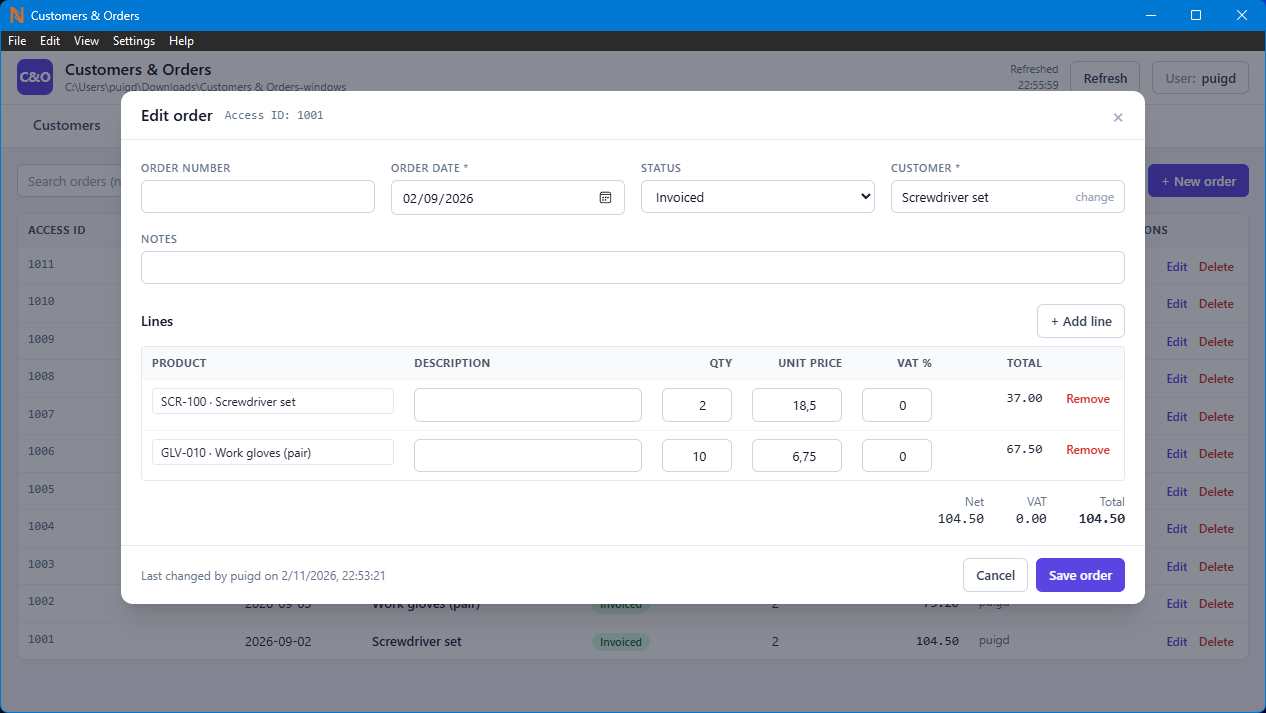
- Customers (name, company, tax ID, email, phone, address, notes), products (code, name, category, price, VAT rate) and orders with several lines, status (draft, confirmed, delivered, invoiced) and dates.
- A form for each record, with lookups: choosing a customer or a product from a searchable list, not typing an id.
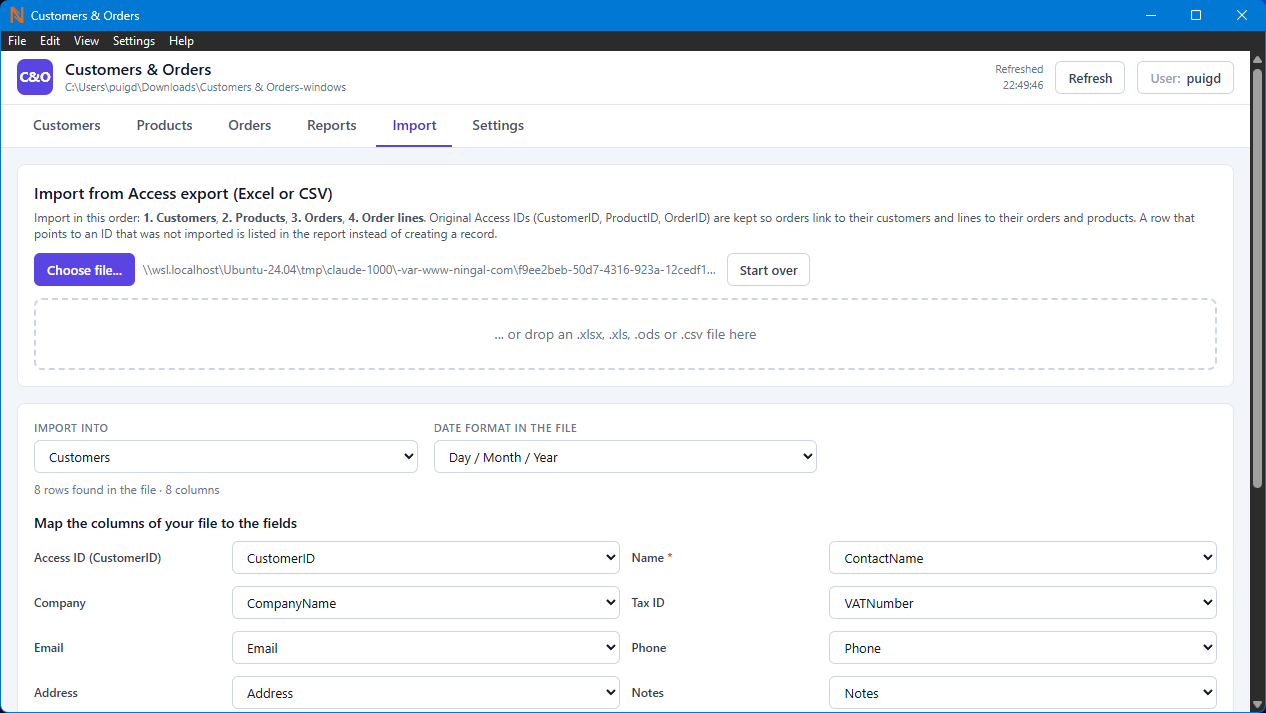
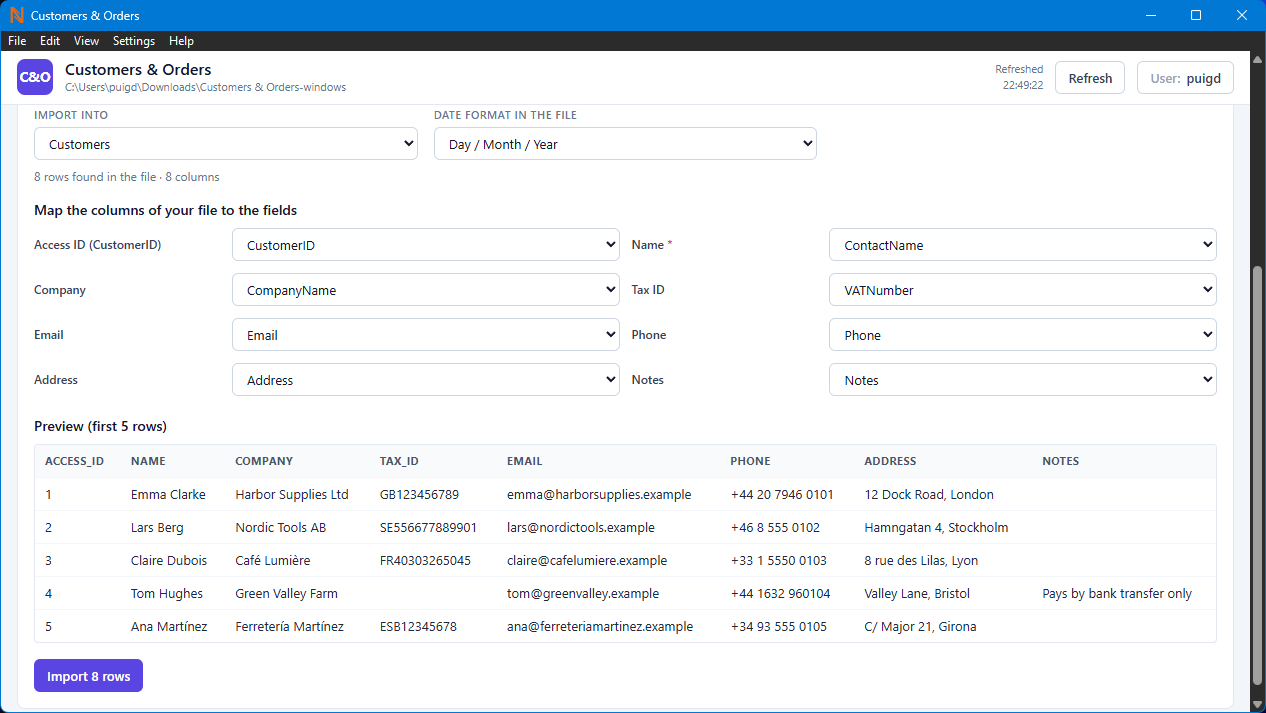
- Import each table from Excel or CSV files exported from Access, choosing which column goes to which field. Keep each record's original Access ID (such as CustomerID, ProductID and OrderID) and use it to link orders to their customers and order lines to their orders and products, as in the original database. Import customers and products first, then orders, then order lines. If a row points to an ID that was not imported, list it in the import report instead of creating a record.
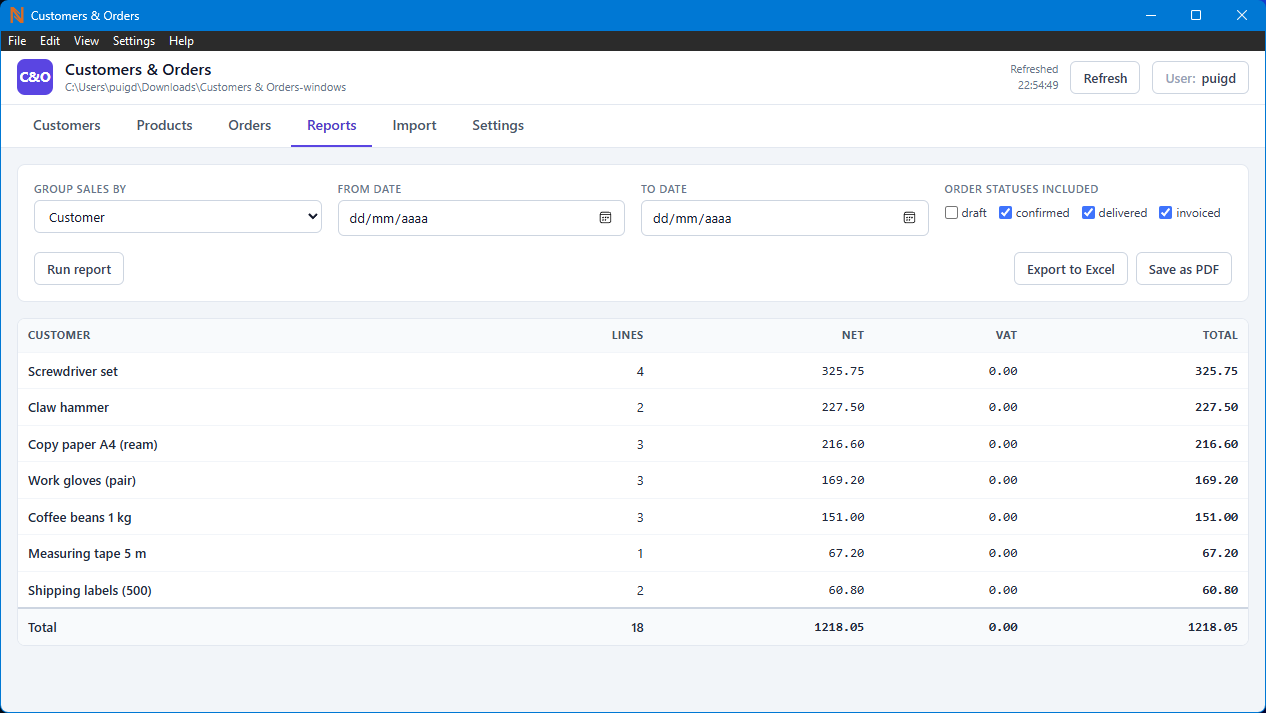
- Reports: sales by customer, by product and by month, saved as PDF and exported to Excel.
- Search and filters on every list, and sorting by any column.
SHARED USE
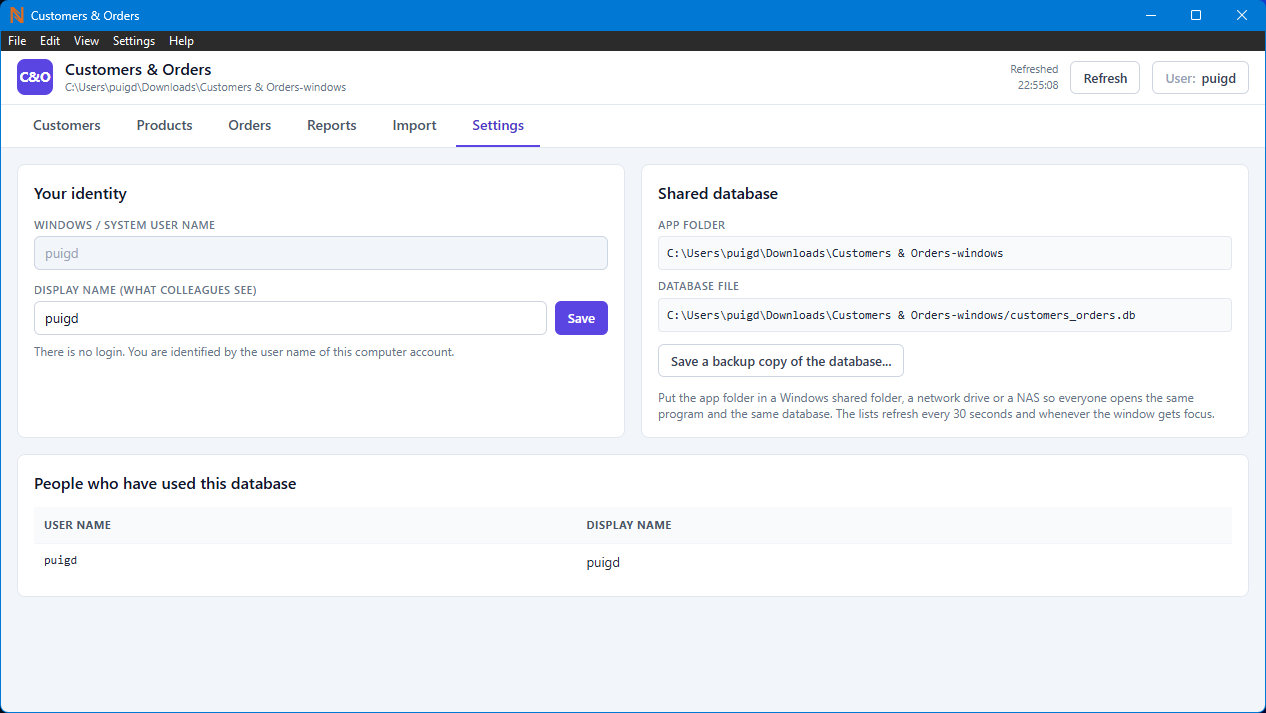
- The app's folder is placed in a shared folder (a Windows shared folder, a network drive or a NAS) and everyone opens the same app from there. The database lives in the app's folder, next to the program.
- If the app's folder is inside a cloud-synced folder such as OneDrive, Dropbox or Google Drive, show a warning: those folders can damage the database.
- Changes made by colleagues appear automatically: refresh every 30 seconds and when the window gets focus.
- If someone else saved the same record while I was editing it, don't overwrite their changes: tell me who changed it and let me reload it.
- If a save fails because the network or the shared folder can't be reached, say so clearly and keep what I typed.
- No login or passwords: each person is identified by their Windows user name, with a display name that everyone sees.
1 / 8
Features:
PDFExcelCSVShared network folder
Download for:
File Size: ≈ 9 MBFree download